






April 23, 2026FeatureImprovement
Brand Builder: Branded CV & Blind CV preview
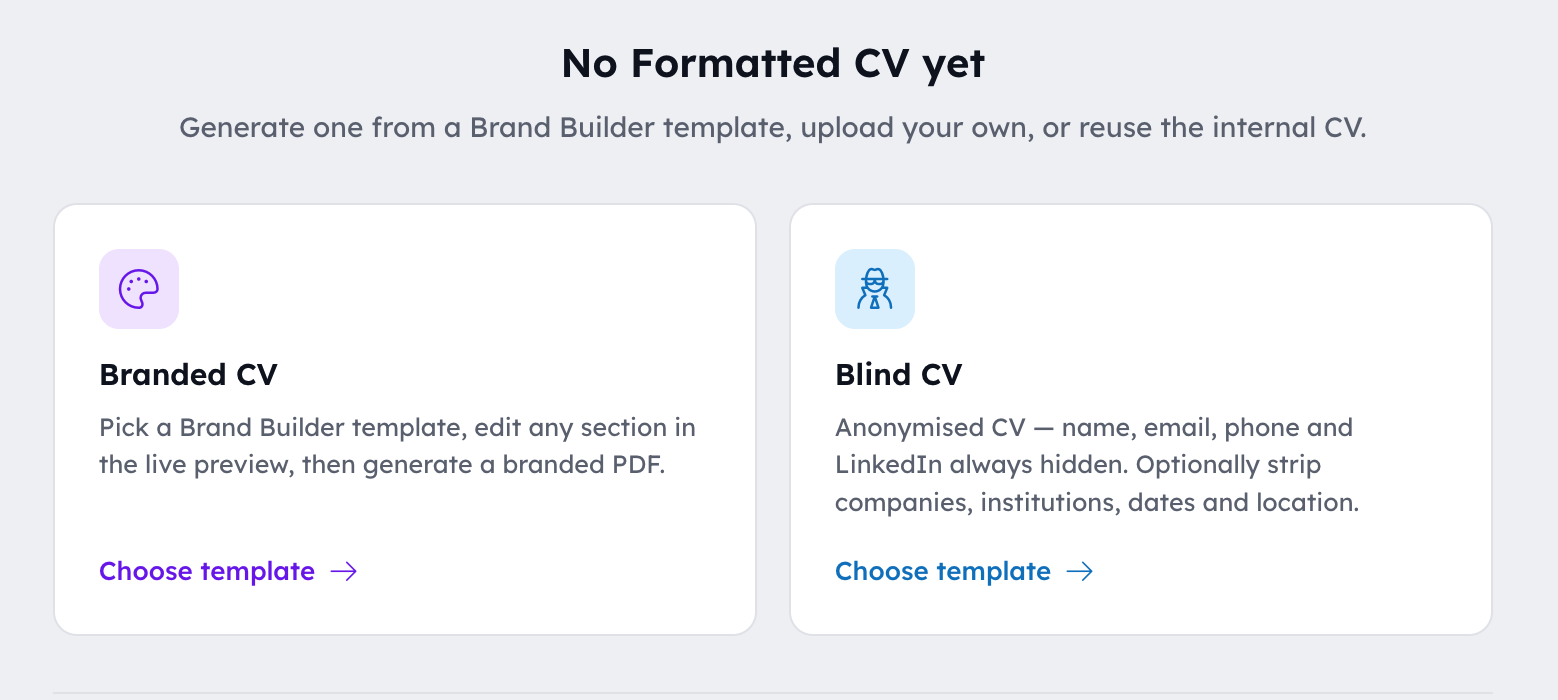
Branded CV preview
- Original CV on the left, your branded preview on the right, so it's easy to spot anything the parser missed.
- Click any section of the preview (name, summary, an experience, an education, skills, contact) to tweak it inline.
- Edits apply only to the generated PDF, never to the candidate record.
- If a role on the CRM is missing its description but the uploaded CV has one, the preview pulls it in automatically.
- Add experience or education entries from the left rail when something is missing from the candidate record.
- Output is saved as the candidate's Agency CV.
Blind CV preview
- Same template and layout as the Branded preview, with personally identifying details stripped for client pre-screening.
- Always removed: candidate name, email, phone number, and LinkedIn URL.
- Optional extras you can toggle from the Anonymisation panel: company names, education institutions, specific dates, and location detail.
- Side-by-side stays on by default in Blind mode, so you can see exactly what was redacted.
- Output is saved as the candidate's Blind CV and shows up under the new Blind tab on the Candidate Sidebar.
Open Brand Builder and click the ? in the top right for the full in-app guide.
Everything else we shipped
Features, improvements and fixes, in the order they went live.